Listen to Your Music Freely
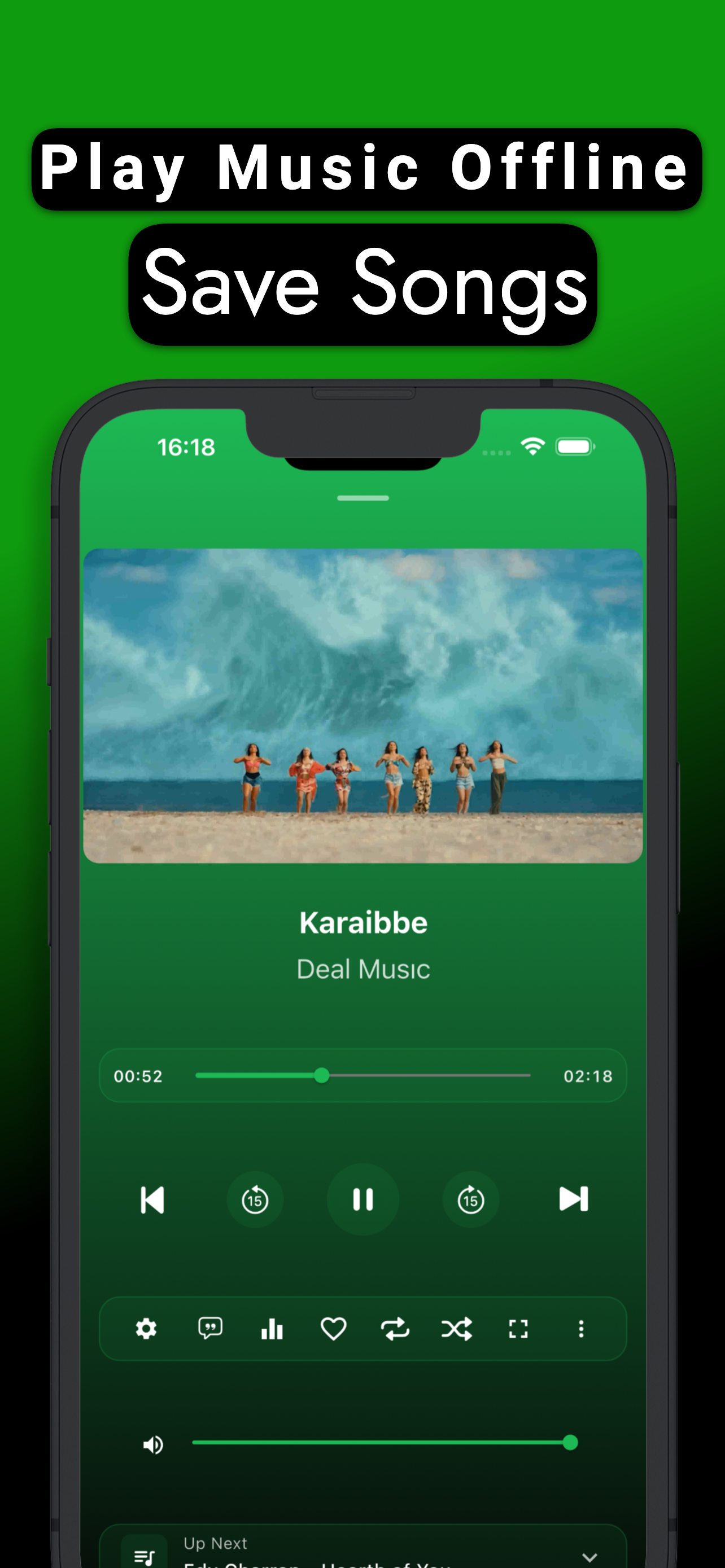
Import your files, listen with synced lyrics, customize sound with equalizer — everything on your device, offline.
Everything In One Place
Powerful features that enrich your music experience, combined with an elegant interface.
Easy Import
Import music files from Files app, other apps or WiFi in seconds.
Live Lyrics
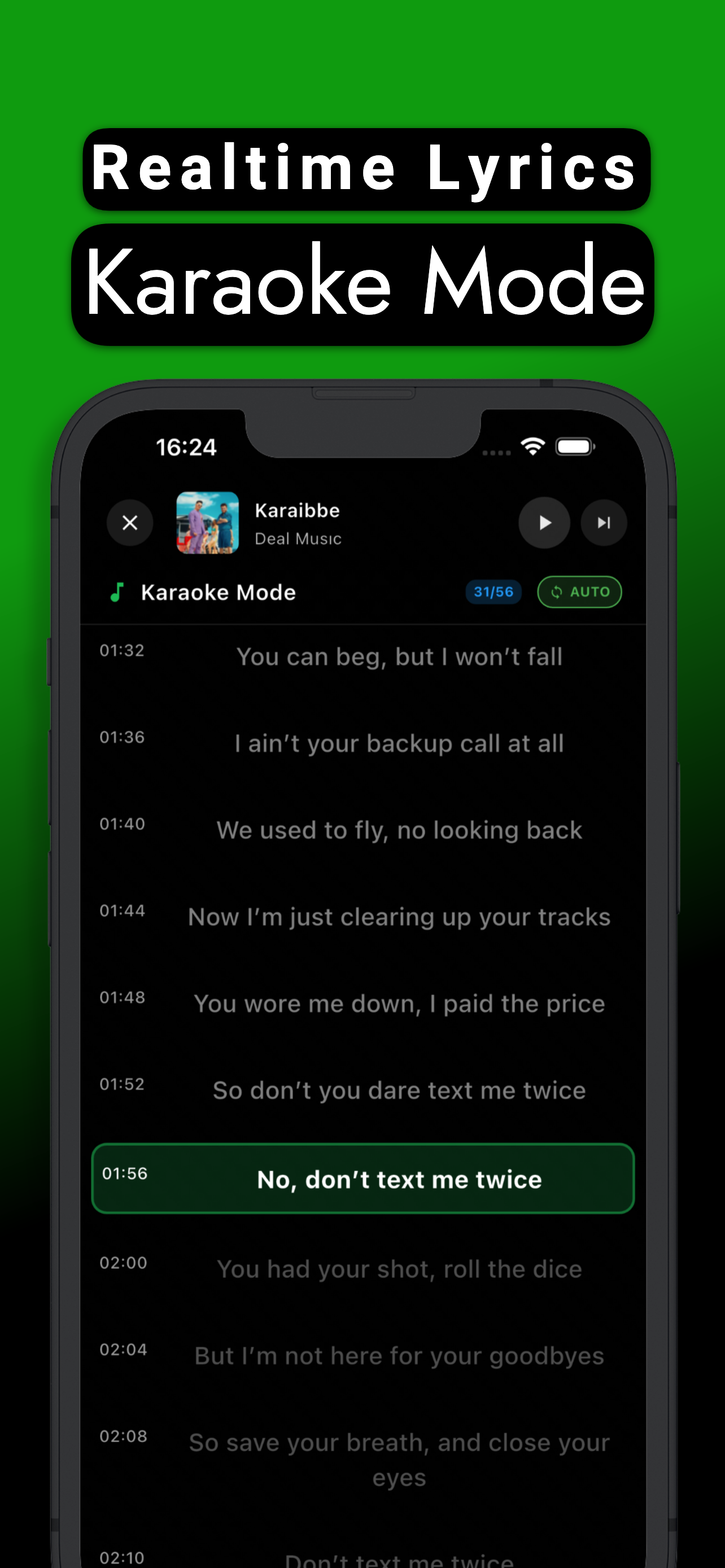
Follow every note with synced lyrics. Karaoke mode and widget support.
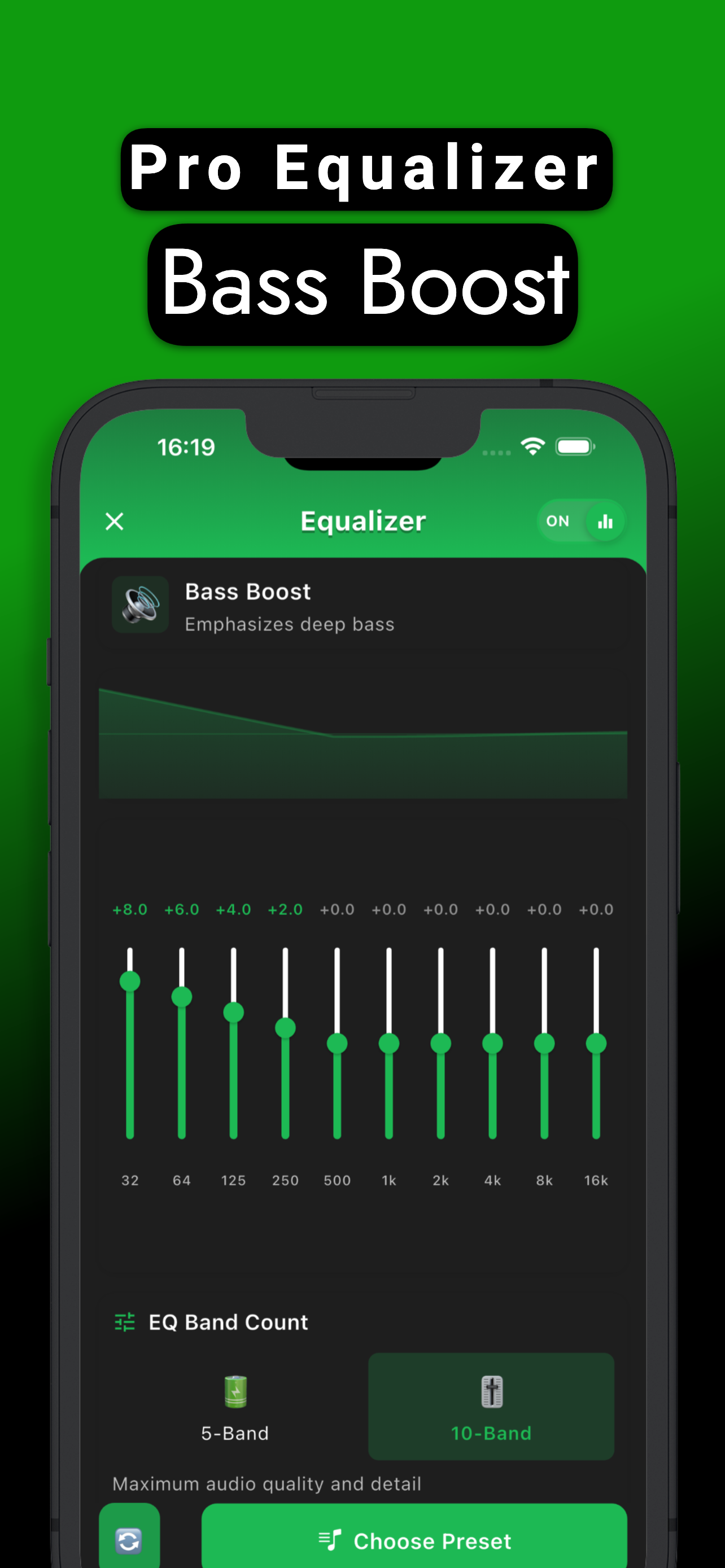
Professional Equalizer
10-band EQ, bass boost, 3D sound effects and smart audio modes for perfect sound.
Home Screen Widgets
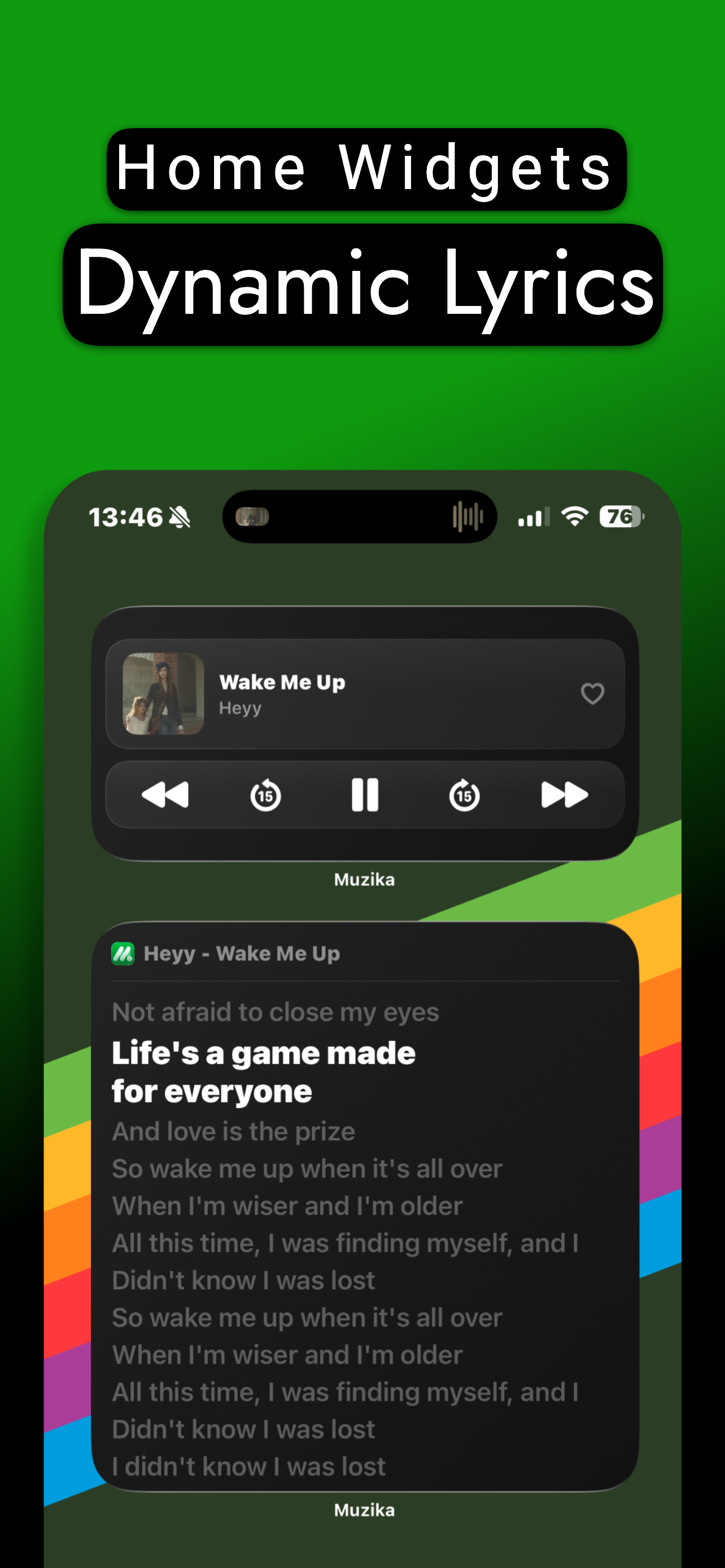
Control music without opening the app, see live lyrics on home screen.
35+ Themes
Free and premium color themes, app icon customization, light/dark mode.
Live Radio
Listen to radio stations from around the world, filter by country.
Home Screen Widgets
Control is in your hands without opening the app. Follow lyrics, control music.
Professional Equalizer
Headphones, speakers or car — perfect sound in every environment.
5 & 10 Band EQ
Fine-tune frequency bands
Ready Presets
Pop, Rock, Jazz, Classic and more
Bass Boost
Powerful bass boost up to 8x
3D Virtualizer
Depth and width sound effect
Smart Mode
Auto-detect headphones, speakers, car
Car Mode
Custom optimization for car audio
Easy Import
Import files from multiple sources in seconds.
Select Files
Pick from Files app or share from another app.
Auto Processing
Metadata extraction, cover detection, video conversion.
Start Listening
Enjoy with lyrics and equalizer.
Supported Formats
Video files are automatically converted to audio
More Features
Every detail to complete your music experience has been considered.
App Preview
Discover Muzika's elegant interface.
Widgets & Lyrics
Music Player
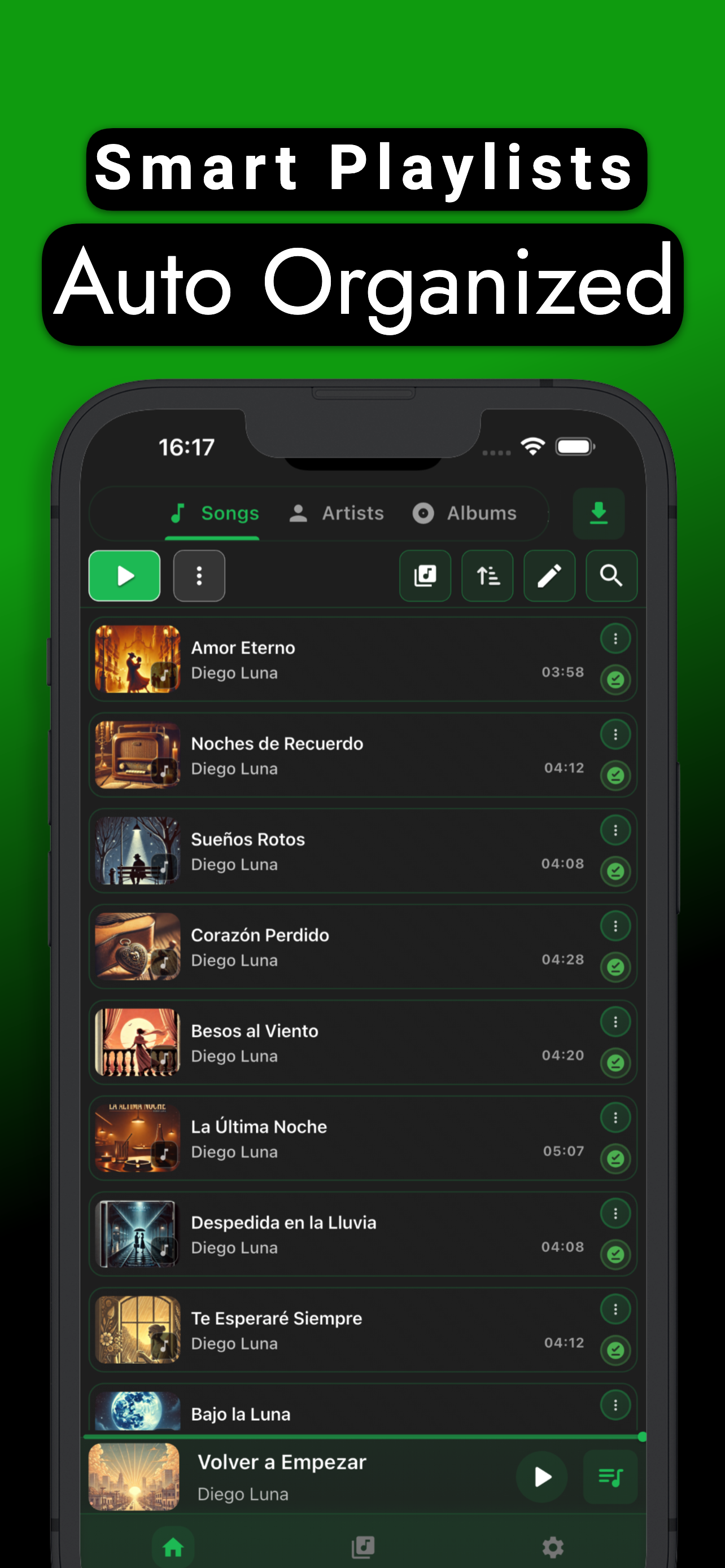
Song List
Karaoke Mode
Equalizer
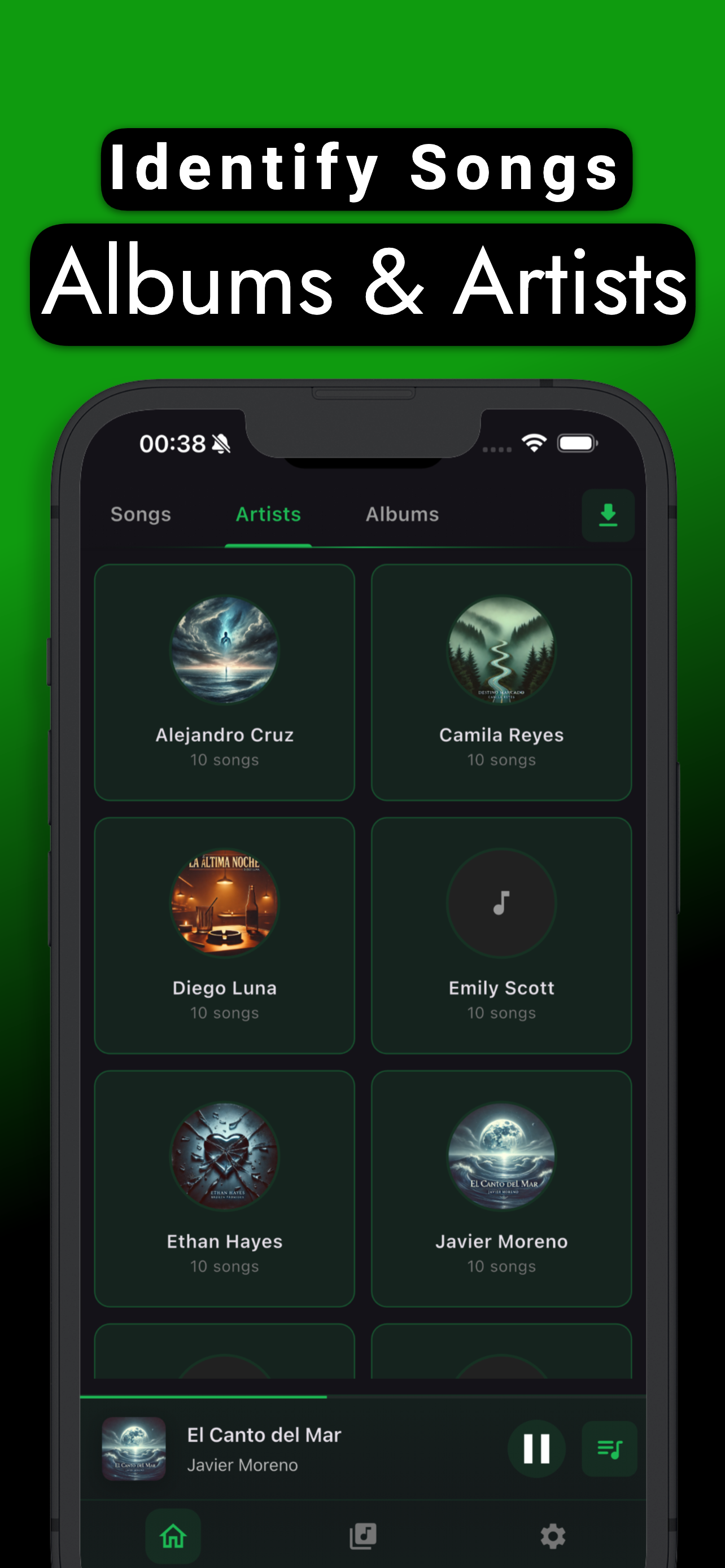
Artists & Albums
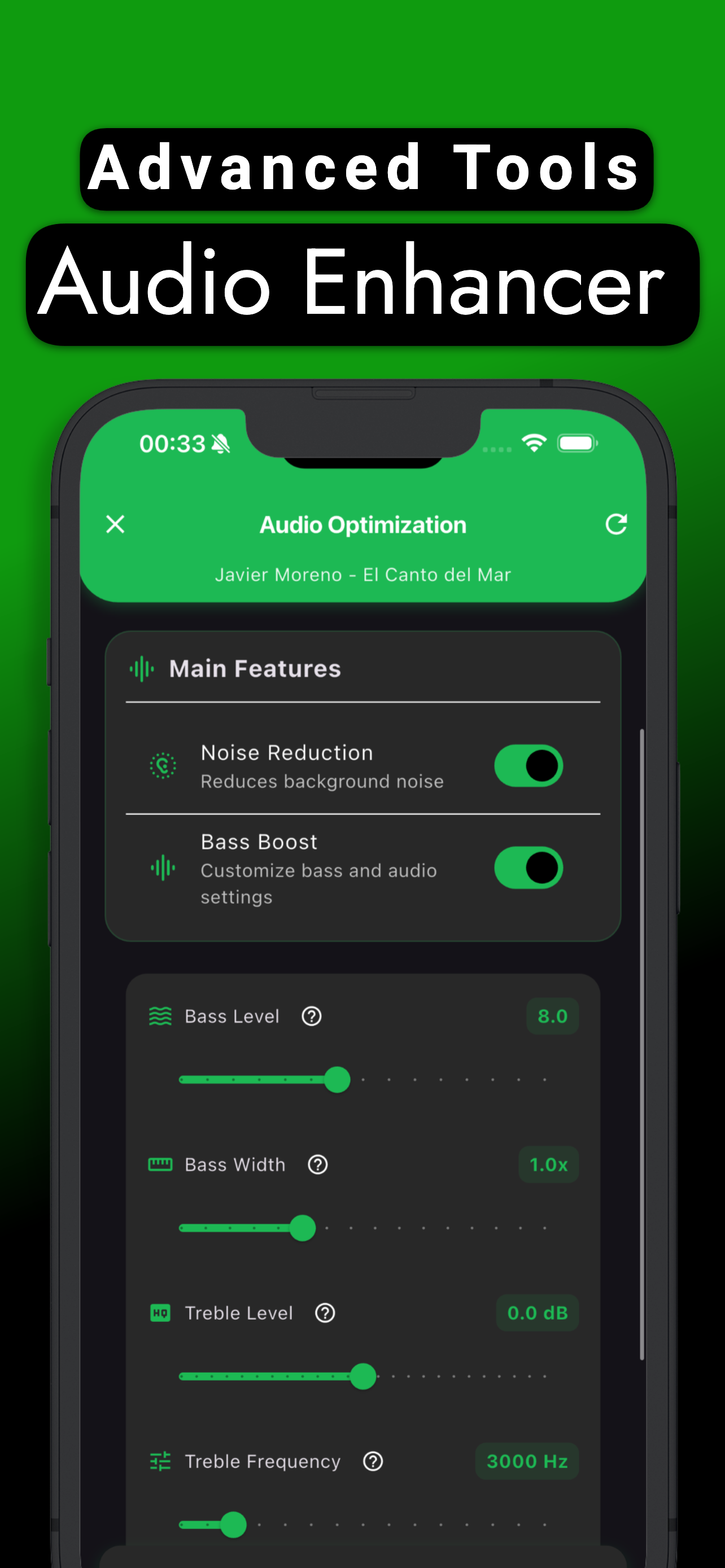
Audio Optimizer
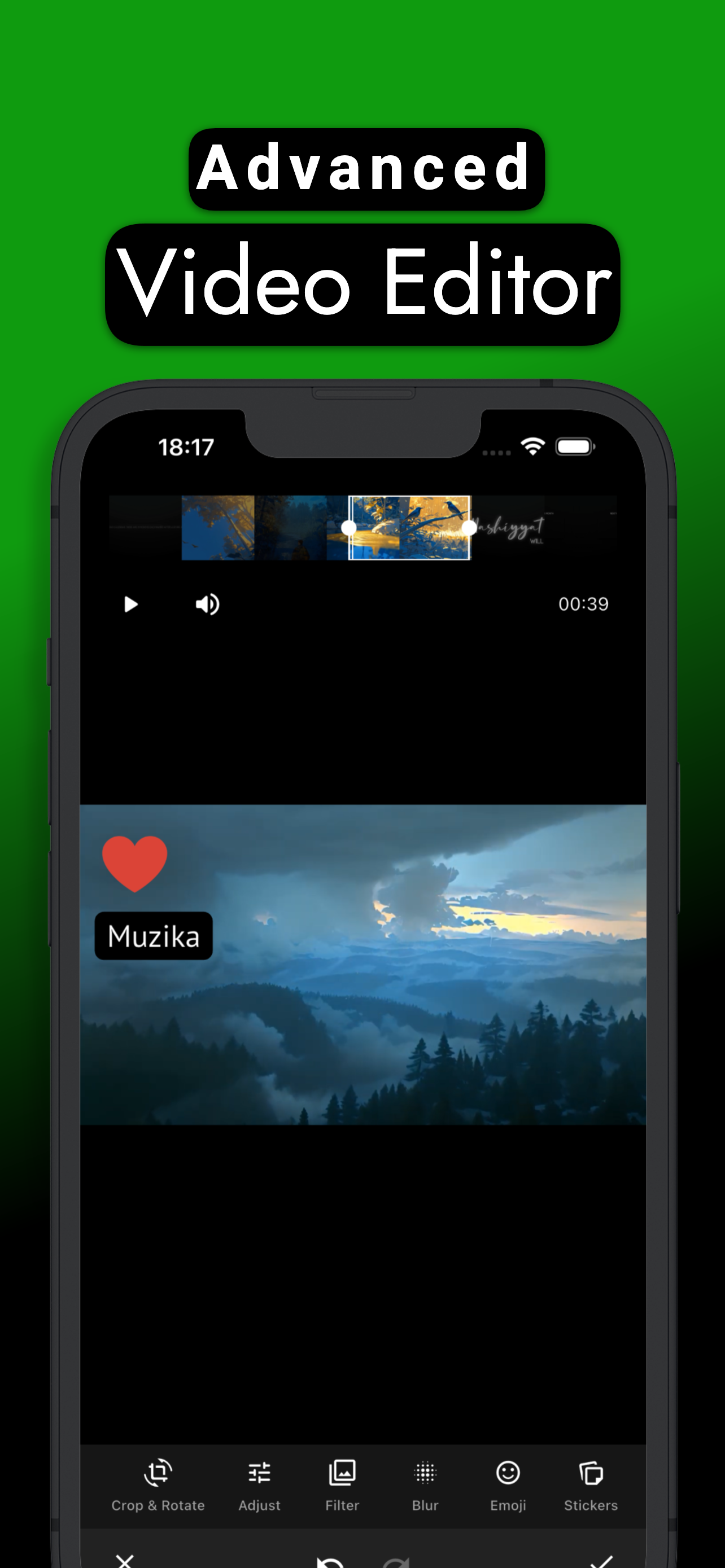
Video Editor
Frequently Asked Questions
Muzika is a professional offline music player for iOS. Import music files, listen with synced lyrics, customize sound with advanced equalizer and control with iOS widgets.
Yes, Muzika is free to download and all basic features are free. Premium features like 10-band equalizer, high bitrate and 24 extra themes are available via in-app purchase.
Muzika works on iPhone and iPad. iOS 15 and above is supported. Widgets require iOS 17 and above.
No. Once you import your music files, you can listen completely offline. Internet is only needed for lyrics loading and radio.
MP3, M4A, FLAC, WAV, AAC, OGG, WMA audio formats and MP4, MOV, MKV video formats. Video files are automatically converted to audio.
When sharing a music or video file from any app, select "Muzika" and the file will be automatically added.
Activate WiFi Transfer in Muzika, then send files from your computer's browser on the same WiFi network — no cables needed.
5-band EQ is simpler and suitable for lower-end devices. 10-band EQ (premium) allows fine-tuning across more frequency bands for professional-level control.
Car mode provides custom EQ settings that can auto-activate when connected to a car audio system for the best listening experience.
Long press on an empty area on iPhone home screen, tap "+", search for "Muzika", select widget size and tap "Add Widget". Widgets require iOS 17+.
Yes. You can play/pause, skip, seek 15 seconds and favorite directly from the Player widget.
Yes. Muzika automatically searches multiple sources for lyrics when a song plays. Once found, lyrics are stored locally.
Synced lyrics flow in time with the music — each line is highlighted at the right moment. Plain lyrics show all text statically.
Muzika supports 16 languages: English, Turkish, Spanish, Portuguese, French, German, Italian, Romanian, Vietnamese, Russian, Arabic, Urdu, Bengali, Hindi, Japanese and Khmer.
All music files are stored on your device's local storage. No music files are sent to external servers.
Yes. You can backup your playlists and settings to the cloud and restore them anytime.

Download Muzika Now
Synced lyrics, professional equalizer and iOS widgets for a unique music experience.
App Store Free • Discover premium features